TanStack Query Plugin
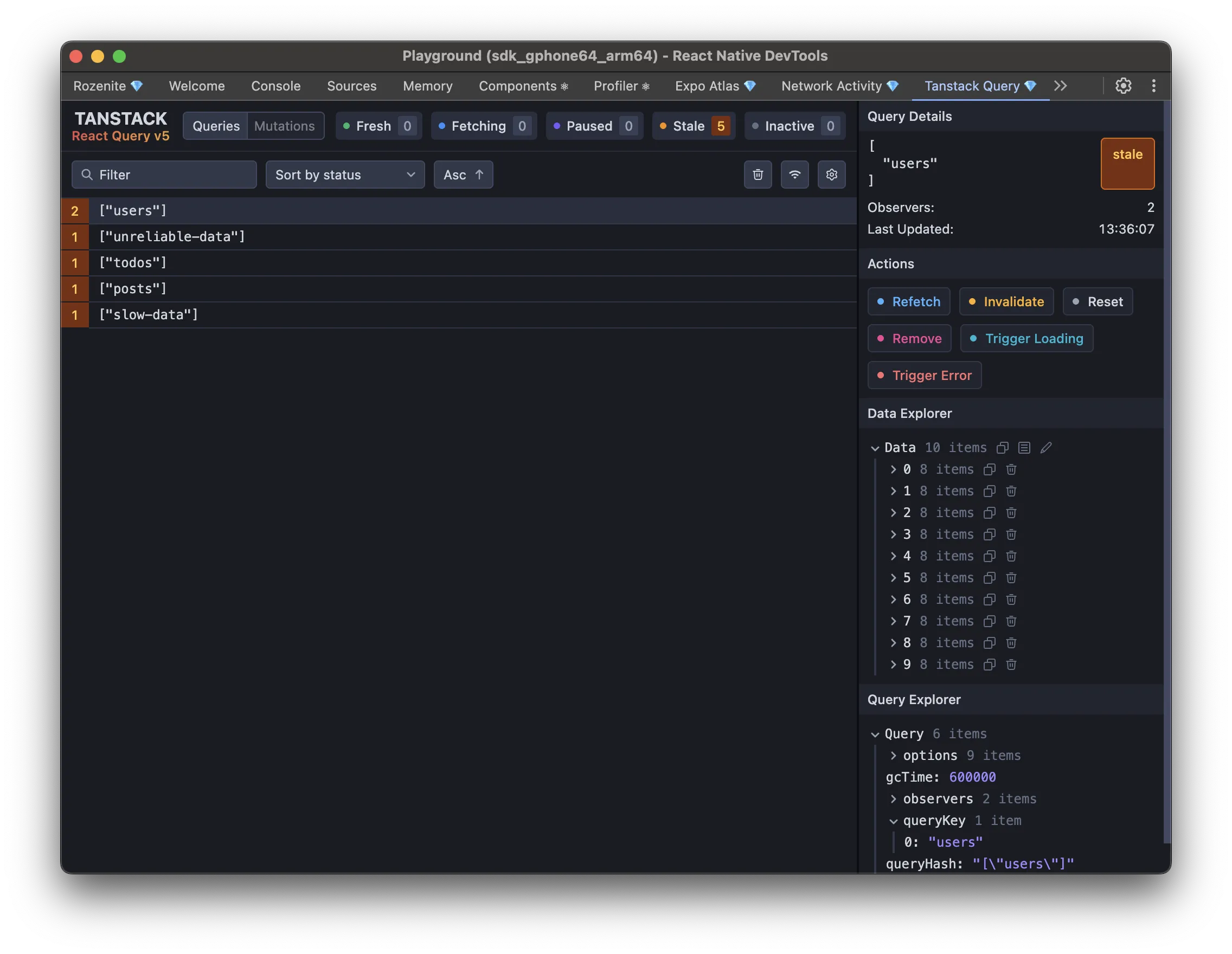
The TanStack Query plugin brings TanStack Query DevTools into React Native DevTools, so you can inspect and manage your queries and cache without leaving the DevTools window.
It was inspired by Austin Johnson’s react-query-external-sync.
Installation
Section titled “Installation”Make sure to go through the Getting Started guide before installing the plugin.
npm install -D @rozenite/tanstack-query-pluginyarn add -D @rozenite/tanstack-query-pluginpnpm add -D @rozenite/tanstack-query-pluginbun add -D @rozenite/tanstack-query-pluginimport { QueryClient, QueryClientProvider } from '@tanstack/react-query';import { useTanStackQueryDevTools } from '@rozenite/tanstack-query-plugin';
const queryClient = new QueryClient({ defaultOptions: { queries: { staleTime: 5 * 60 * 1000, // 5 minutes retry: 3, }, },});
function App() { useTanStackQueryDevTools(queryClient);
return ( <QueryClientProvider client={queryClient}> {/* Your app components */} </QueryClientProvider> );}Web (React Native for Web)
Section titled “Web (React Native for Web)”With Rozenite for Web, this plugin is also available when debugging your React Native web app.
Once configured, “TanStack Query” appears in your React Native DevTools sidebar with the standard TanStack Query DevTools UI: live queries and mutations, cache inspection, and actions to refetch, invalidate, reset, or remove entries.
Next: Learn about Plugin Development, or explore other Official Plugins.